
Black Friday iPad Deals 2026: Which Model Is Worth Buying
As an Amazon Associate I earn from qualifying purchases. Some links may earn us a commission at no extra cost to you.
Amazon is already discounting several iPad models ahead of Black Friday (27 November). The biggest discount isn’t always the best deal, so we picked each iPad for who it’s actually right for.
1. iPad 11-inch (A16) – Best for most people

Why we picked it: The standard iPad handles streaming, browsing, schoolwork, video calls and casual gaming without any trouble. 128GB is enough for most people, and the 11-inch display is comfortable for both watching and working. It’s the easiest recommendation in Apple’s lineup, especially with a Black Friday discount.
Pros
- Smooth everyday performance
- Large 11-inch Liquid Retina display
- USB-C and Apple Pencil (USB-C) support
Cons
- No Apple Intelligence support
- Non-laminated display is less ideal for drawing
Skip it if: you want Apple Intelligence or use demanding creative apps.
Need more storage? The 256GB version is the same iPad with twice the space, useful if you download movies, install big games or keep lots of photos.
2. iPad Air 11-inch (M4) – Best upgrade
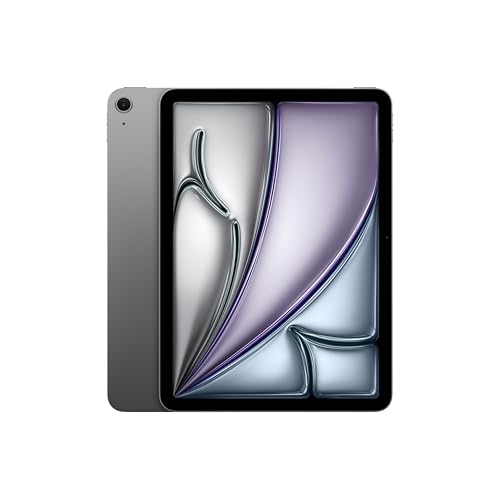

Why we picked it: The Air is the sweet spot for people who want more than a basic tablet. The M4 chip handles photo editing and multitasking with ease and supports Apple Intelligence. Its fully laminated display feels more natural for drawing and handwriting, and it works with Apple Pencil Pro.
Pros
- Powerful M4 chip with Apple Intelligence
- Laminated display for drawing and notes
- Apple Pencil Pro and Wi-Fi 7 support
Cons
- Costs more than the standard iPad
- No ProMotion high-refresh-rate display
Skip it if: you mainly stream, browse and use basic apps. The standard iPad does that for less.
Need more storage? The 256GB Air gives extra room for creative apps, games and downloads, and it’s a good choice if you plan to keep your iPad for years.
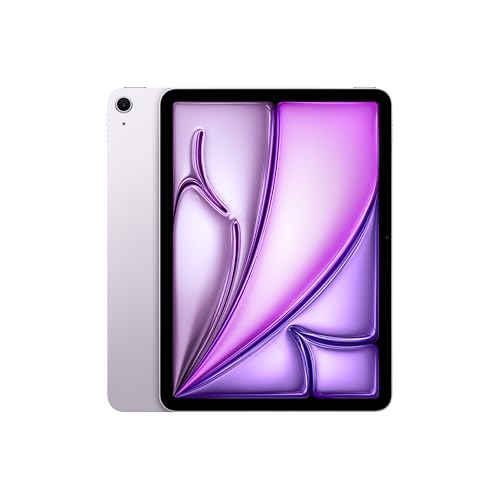
3. iPad Air 13-inch (M4) – Best big screen for less
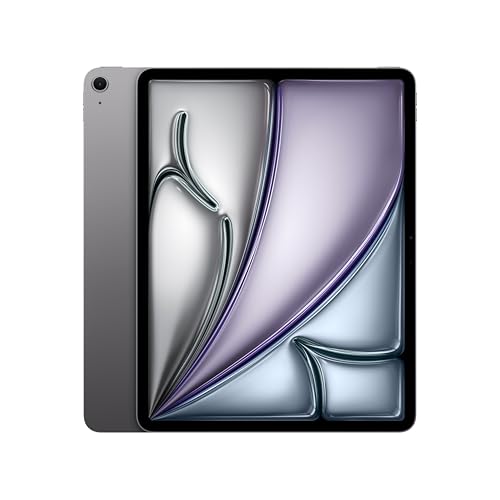
Why we picked it: You get a large 13-inch workspace without paying iPad Pro prices. It’s great for documents side by side, drawing, photo editing and spreadsheets, with the same fast M4 chip as the smaller Air.
Pros
- Large 13-inch display for multitasking
- M4 chip with Apple Intelligence
- Apple Pencil Pro and keyboard support
Cons
- Less comfortable to hold for long periods
- 128GB may be tight for creative projects
Skip it if: you mostly use your iPad on the go or reading in bed.
4. iPad mini (A20 Pro) – Best compact iPad
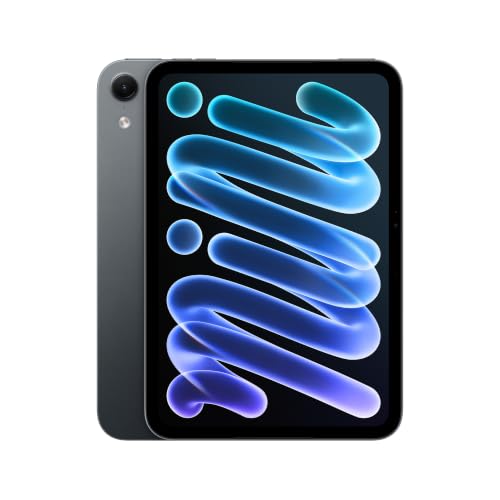
Why we picked it: The newest iPad mini pairs the A20 Pro chip with a beautiful 8.5-inch OLED display in a thin, light design that’s perfect for reading, travel and note-taking. It supports Apple Intelligence and Apple Pencil Pro, and it’s water and dust resistant.
Pros
- Stunning 8.5-inch OLED display
- A20 Pro chip with Apple Intelligence
- IP67 water and dust resistance
Cons
- Small screen limits serious multitasking
- Pricier than the older iPad mini
Skip it if: you need a big workspace for documents or detailed drawing.
5. iPad Pro 11-inch (M5) – Best premium iPad
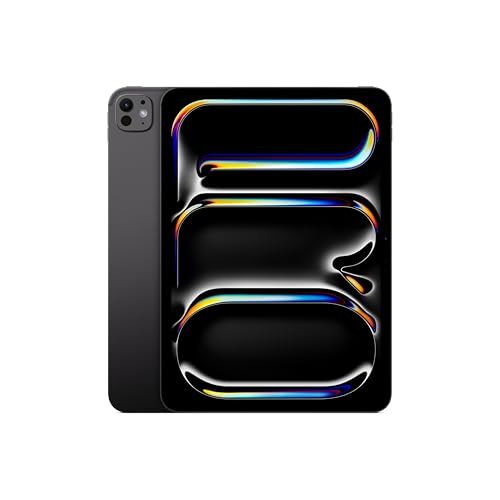
Why we picked it: The Pro adds Apple’s Ultra Retina XDR OLED display, with excellent contrast for illustration, photography and video. The M5 chip handles anything you throw at it, and Face ID, LiDAR and pro accessory support set it apart from the Air.
Pros
- M5 chip for demanding work
- Ultra Retina XDR OLED display
- 256GB starting storage
Cons
- Much more expensive than the iPad Air
- More power than most people need
Skip it if: you don’t specifically need the OLED display or pro features.
Need a lot of storage? The 1TB version is built for pro apps, large photo libraries and video projects, and it currently shows one of the bigger reported discounts.

6. iPad Pro 13-inch (M5) – Best for creative pros

Why we picked it: The largest OLED canvas in the lineup, ideal for illustration, photo and video editing and design work. The M5 chip runs heavy apps smoothly, and 512GB gives plenty of room for projects.
Pros
- Large Ultra Retina XDR OLED display
- Exceptional M5 performance
- 512GB storage and Magic Keyboard support
Cons
- Premium price compared with the iPad Air
- Large and less convenient to hold
Skip it if: you only need a big screen for browsing and entertainment. The 13-inch Air does that for less.
How to choose
- Everyday use: the standard iPad (A16) is enough for most people.
- Want Apple Intelligence or draw a lot: go for the iPad Air (M4).
- Portability first: the iPad mini (A20 Pro).
- Professional work or the best display: the iPad Pro (M5).
- Storage: it can’t be upgraded later, so pick 256GB+ if you download a lot.
FAQ
Is the iPad Air worth it over the standard iPad?
Yes, if you want Apple Intelligence, draw or take handwritten notes, or plan to keep the iPad for many years. For streaming, browsing and schoolwork, the standard iPad is the better value.
Which iPad is best for students?
The standard iPad (A16) covers notes, research and video calls. Students who draw, design or want Apple Intelligence should consider the iPad Air.
Is 128GB enough?
For streaming, apps and cloud storage, yes. If you download movies, play big games or keep lots of photos and videos on the device, choose 256GB or more.
Will iPad prices drop more on Cyber Monday?
Sometimes, but popular models can sell out or go back up in price. If a model you want is already discounted, it’s usually safe to buy. Amazon’s offers change often, so check the current price before you buy.
As an Amazon Associate, I earn from qualifying purchases.